ProtoChat / Manufacturing resources
Better decisions.
Before the build.
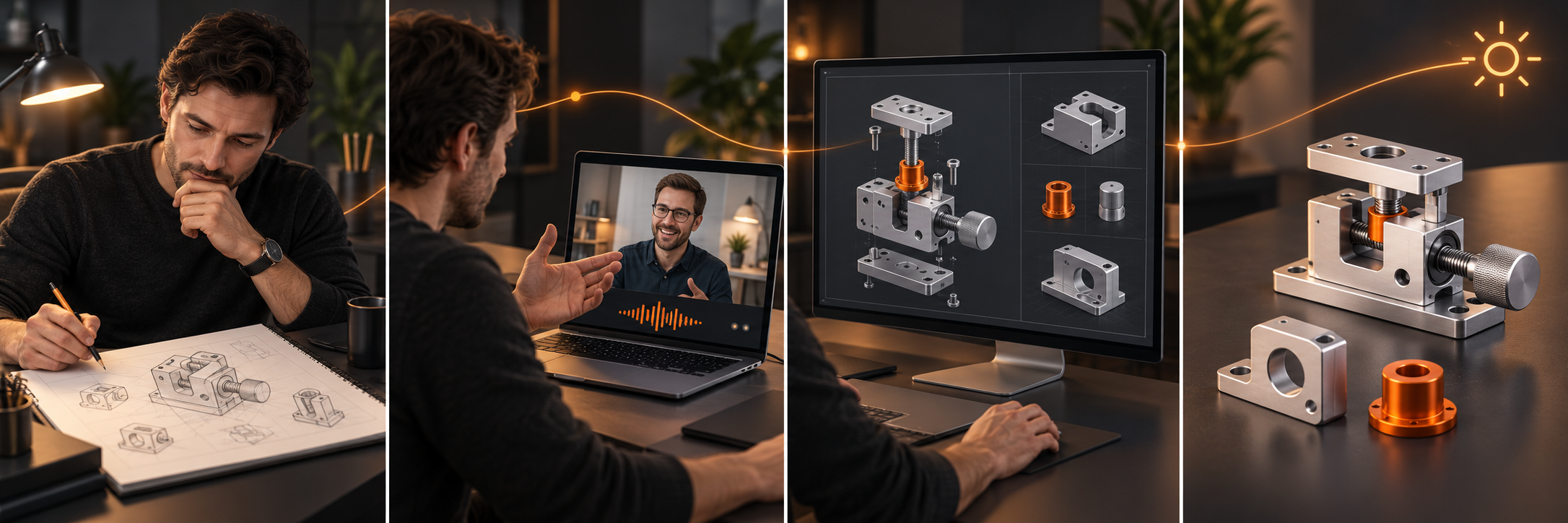
Have an idea, a sketch or a design that needs work? Find a useful starting point, see the possibilities and prepare your next design conversation.
Find your starting point8 project tools · 8 shop calculators · 5 material references · 23 guides
Start where you are
What are you bringing?
Choose the closest starting point. You can change direction as the project becomes clearer.

I have a sketch or drawing
Turn what you have into a clearer model or design brief.
Explore sketch-to-CAD →My parts need to work together
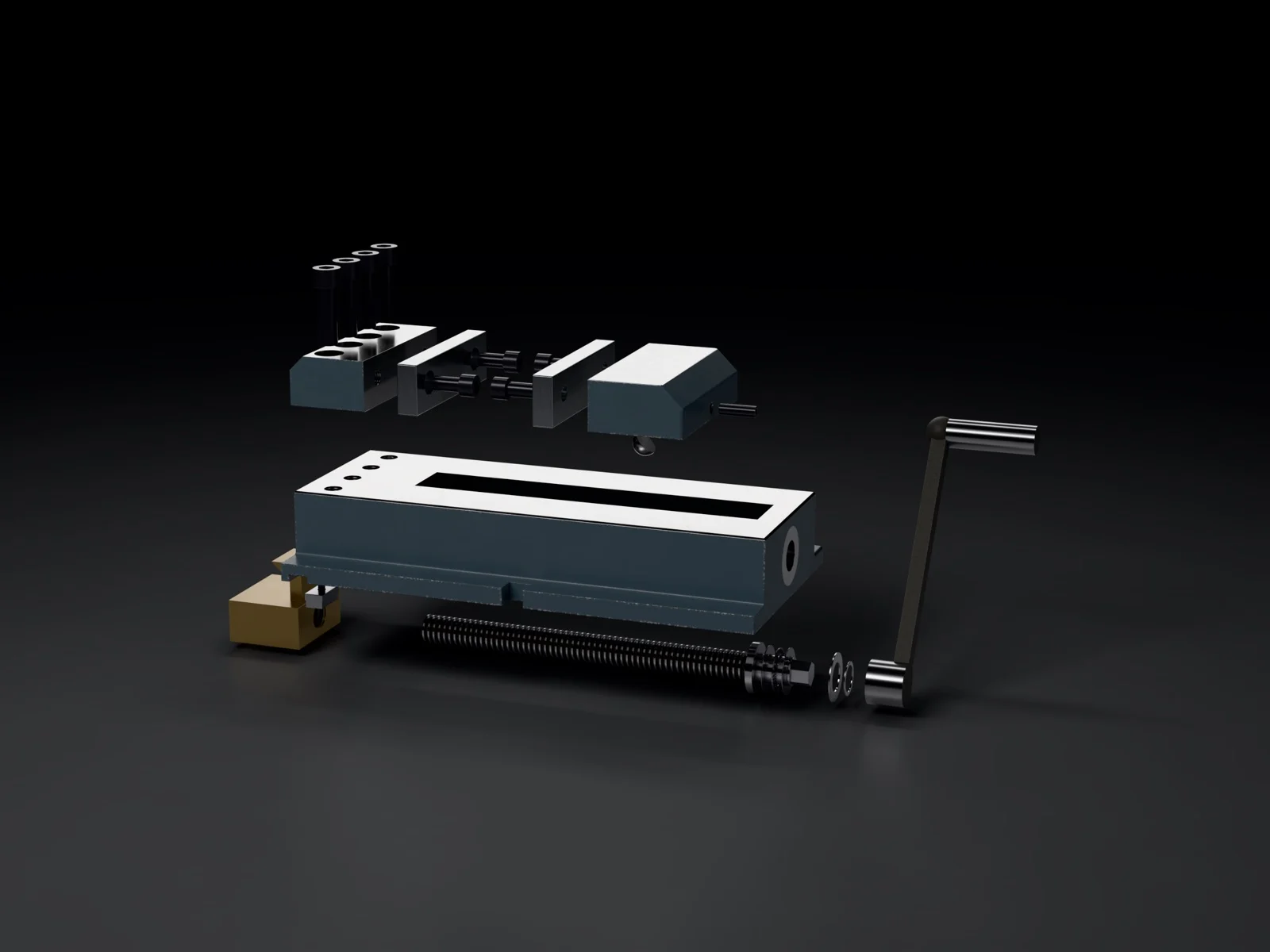
Make mounting points, connections and movement easier to review.
Explore assemblies →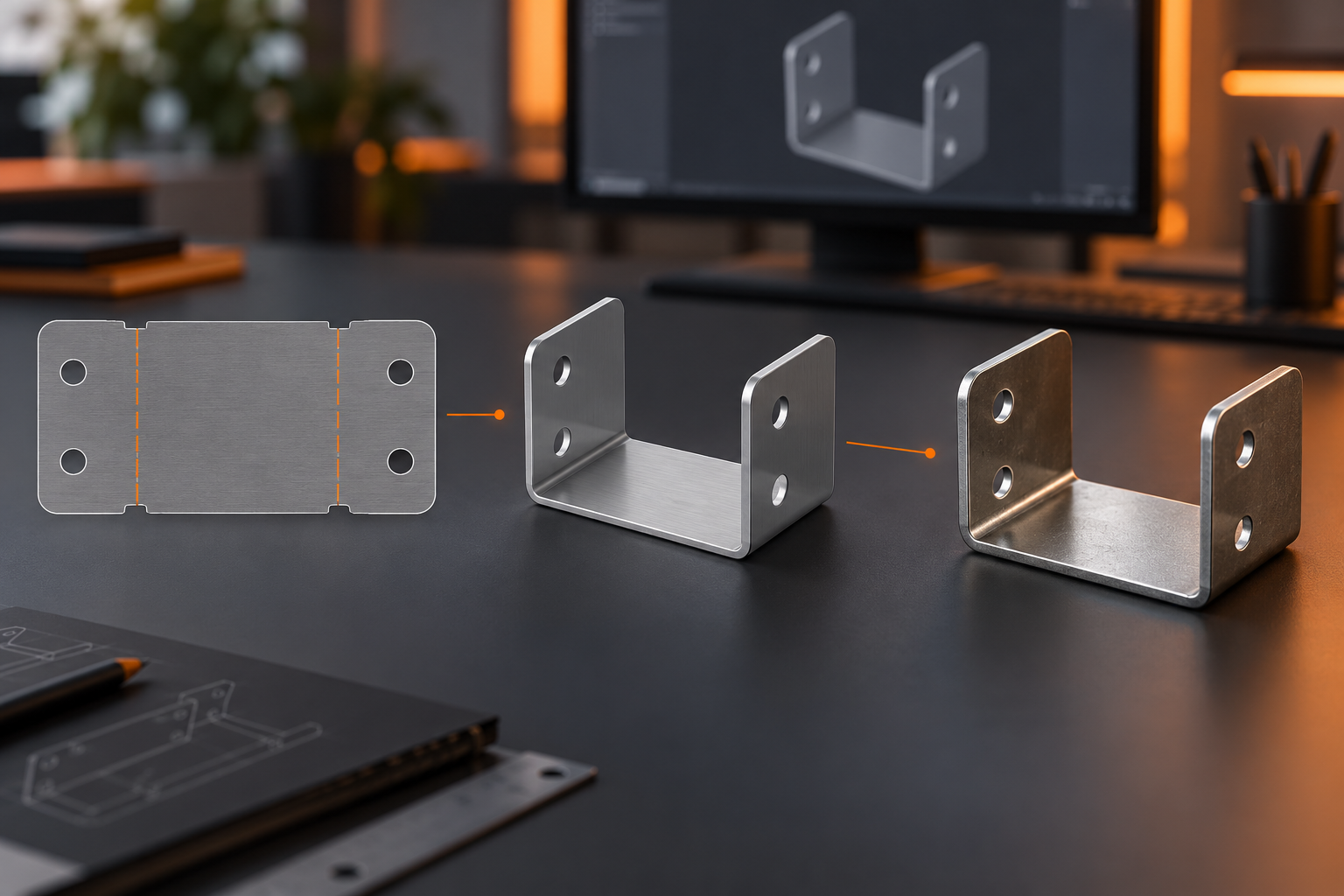
I need to show the design
Explain a concept with renders or drawings for a review.
Explore design presentation →Visual examples show design possibilities, not promised deliverables. No material or manufacturing decisions are selected for you.
Find guidance for your question
Recognizes common design goals and searches guide topics. Shop calculators and material references are in the optional section below. Your project brief is separate.
23 guides available.
Start with your own project. You can leave the details you haven’t decided open.
You don’t need to know the technical name.
No guides match these words. Try another term, or tell us what you want to build and what you need help figuring out.
Describe my project in my own words →Your search is not added as a project requirement. You choose what goes into your brief.
New private collection
Explore ideas in motion.
Human movement, machine mechanisms and animal-inspired motion. Pause a sketch, inspect a pose and think about what your own design needs to do.
Explore the motion library →Browse technical topics instead
01 / Start with the decision
What are you working on?
Choose a guide, review the examples, and use its checklist to prepare your next conversation.
Suggested starting guide
Project planning
Give your design a head start
Bring the idea, sketch or unfinished CAD. Move toward concepts, parts, assemblies and renders you can review and share.
Read the guide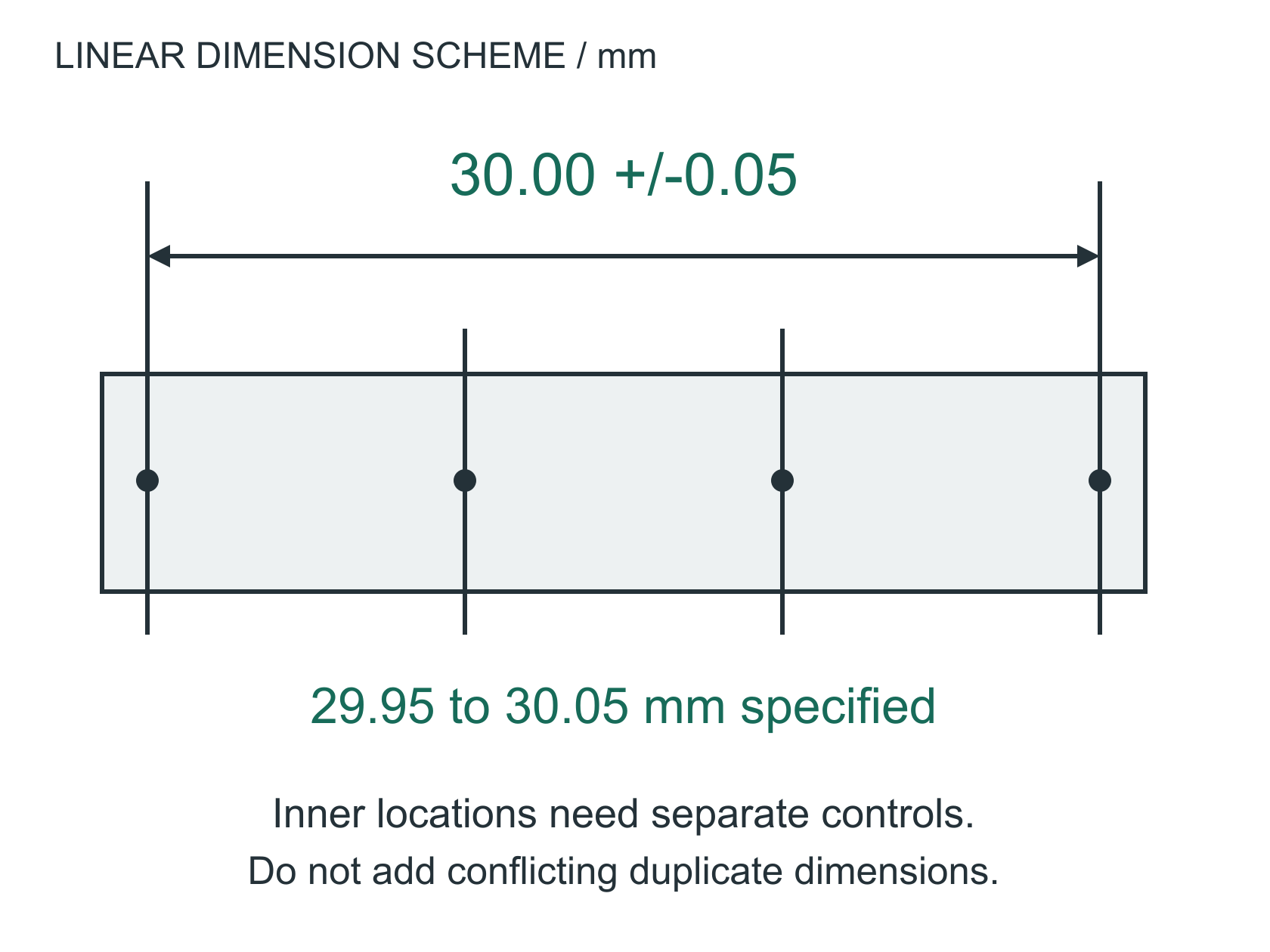
Suggested starting guide
Measurement planning
Make sense of a part measurement
Connect a reported measurement to the drawing and setup so you can ask what it means for your part.
Read the guideSuggested starting guide
Fastening planning
Plan how your parts fasten together
Describe the fastener and connecting parts, then identify what needs review before choosing a tightening requirement.
Read the guideSuggested starting guide
Heat-treatment planning
Describe the properties your part needs
Explain where hardness or other material properties matter, and prepare the questions for a heat-treatment supplier.
Read the guide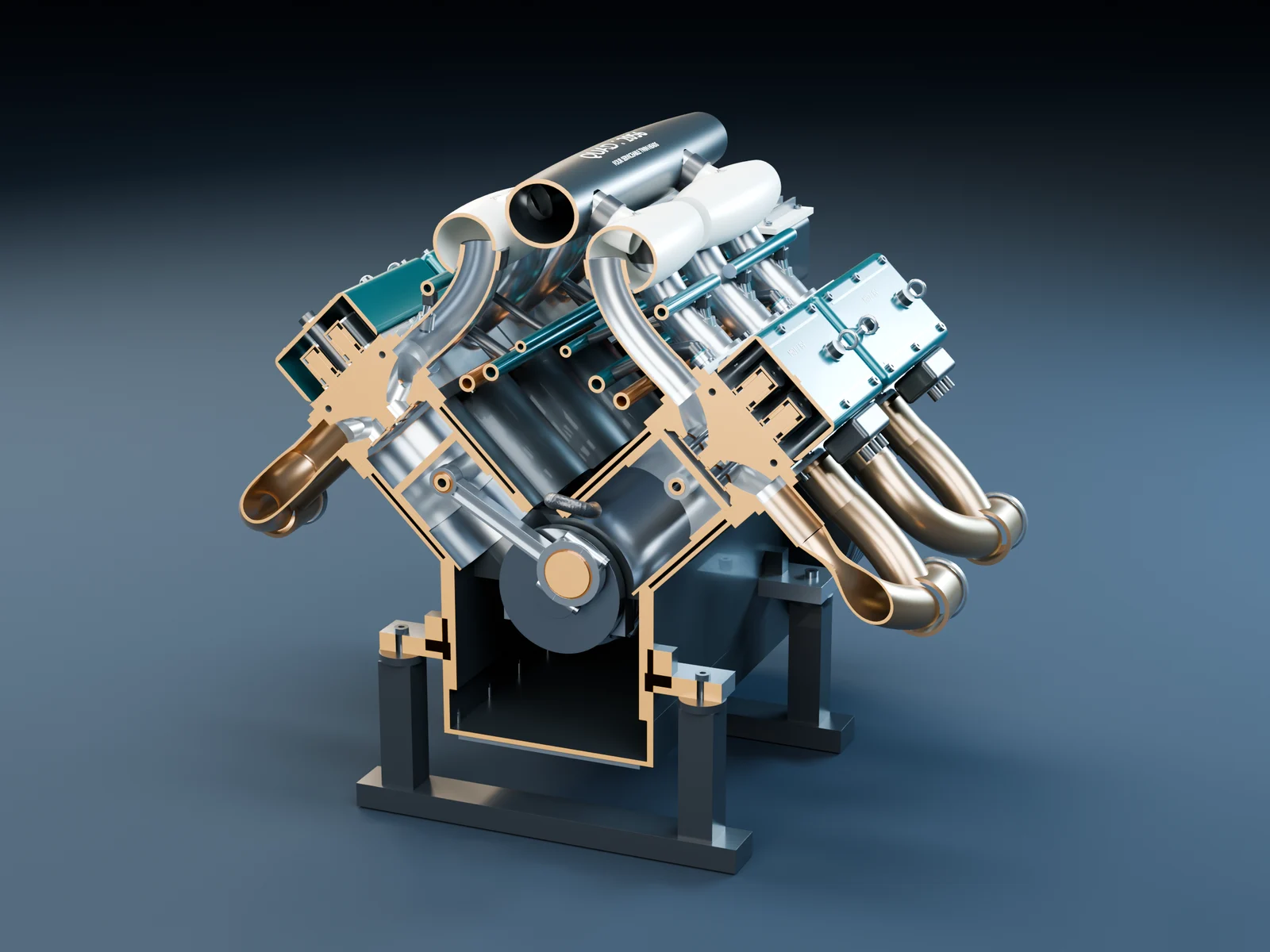
Suggested starting guide
Fit planning
Review a press-fit connection
Explore the size overlap between mating parts and the information needed to review the connection.
Read the guideSuggested starting guide
Sheet-metal planning
Bring your sheet-metal idea into a useful CAD review
Clarify the formed shape and digital deliverables before a fabricator reviews the flat pattern.
Read the guideSuggested starting guide
Delivery planning
Ask for a schedule you can actually compare
Separate processing time, queues, approvals and delivery before relying on a lead-time estimate.
Read the guide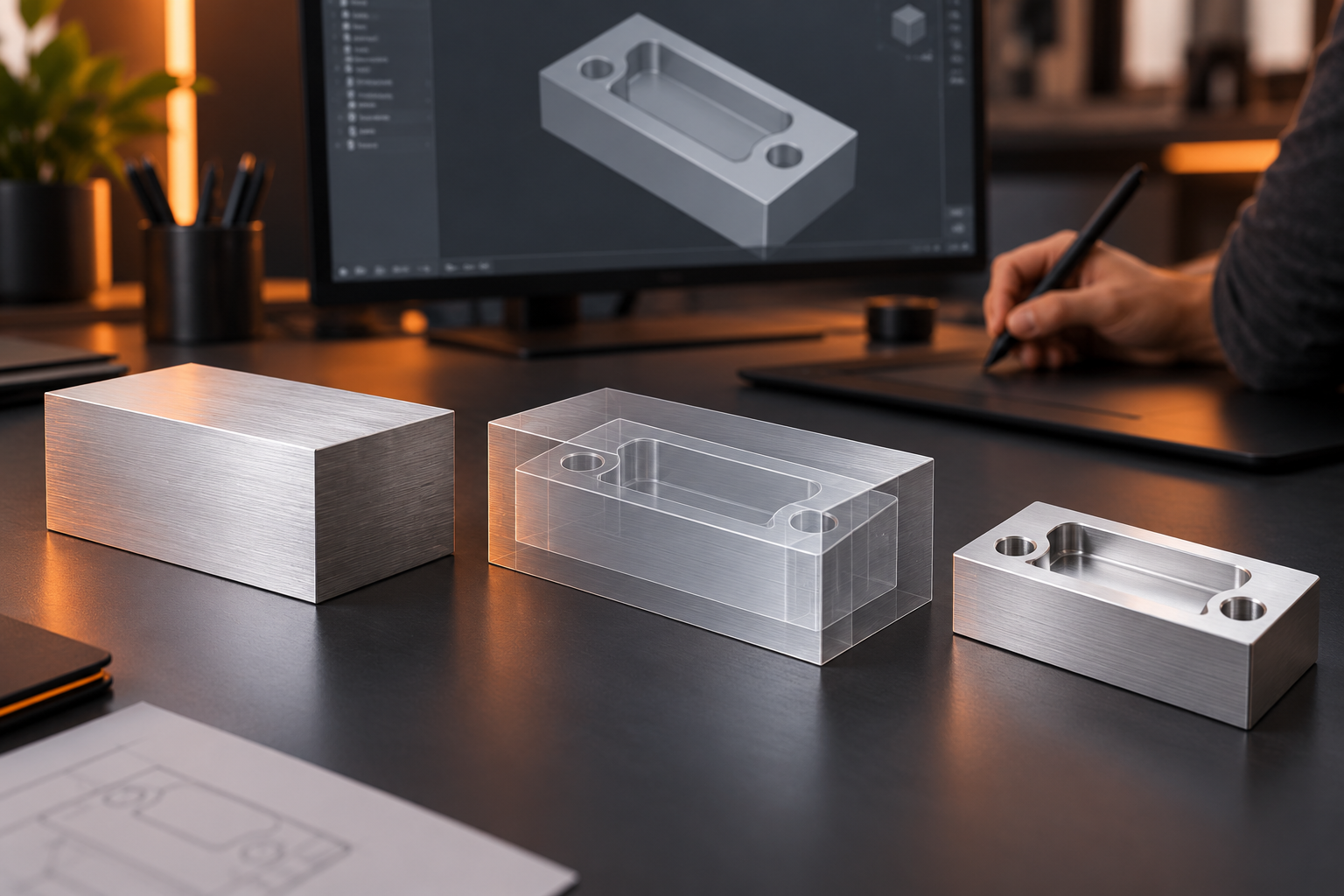
Suggested starting guide
Stock preparation
Plan the part design before ordering stock
Bring finished-part geometry and supplier limits into a design review before committing to material.
Read the guideSuggested starting guide
Machining planning
Understand the time behind a machined part
See how time spent cutting differs from the complete job, and ask clearer questions about a machining proposal.
Read the guideSuggested starting guide
Operating conditions
Check temperature before calling a fit finished
Connect the measurement temperature, material grade and expansion model to the assembly question.
Read the guideSuggested starting guide
Project planning
Compare costs at different quantities
Compare your own one-time and per-part costs to explore quantity changes. Use the result for questions, not as a supplier quote.
Read the guide
Suggested starting guide
Assembly planning
Explain the gap before choosing tighter tolerances
Turn an assembly question into a signed dimension chain and a clear review question.
Read the guide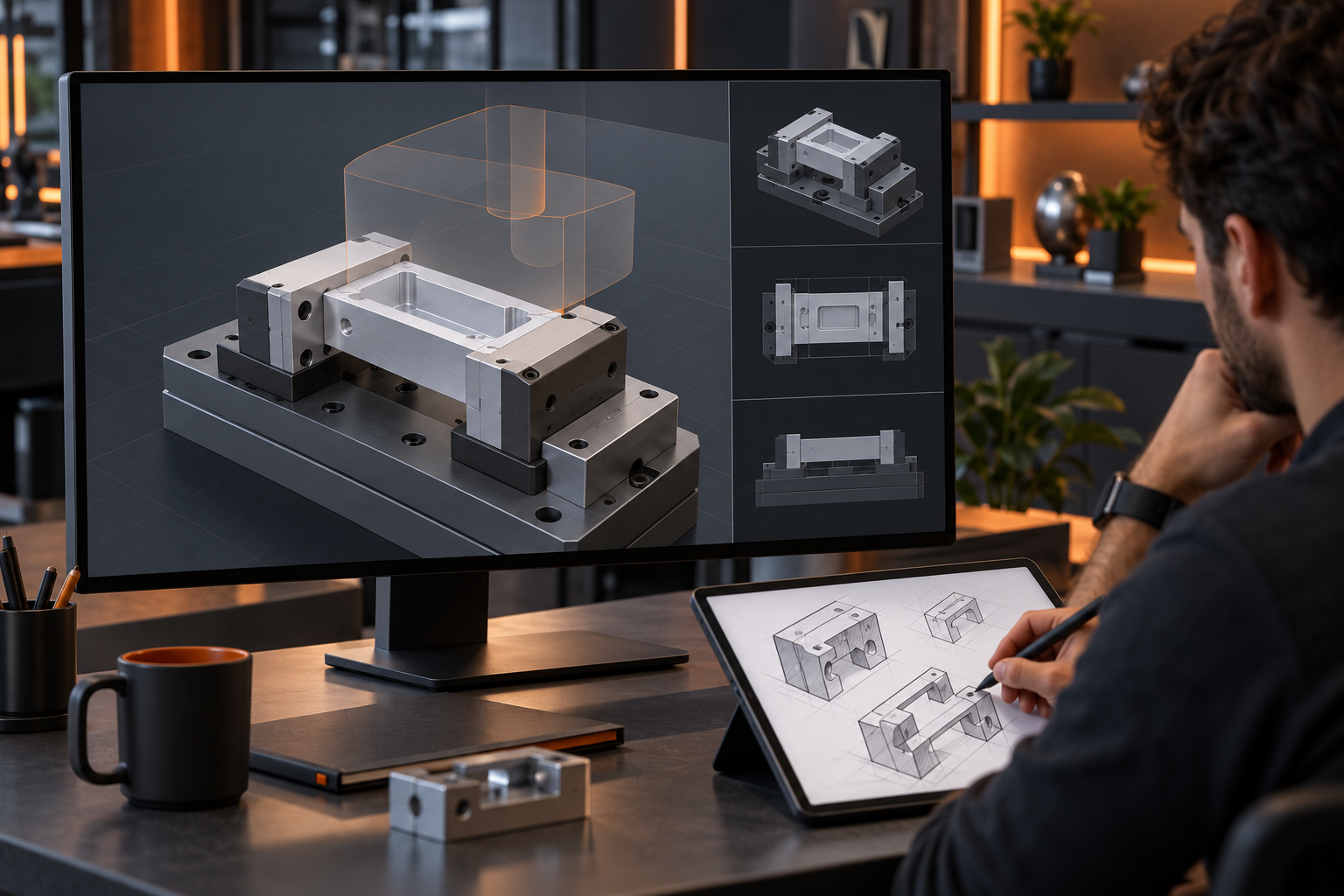
Suggested starting guide
Workholding
Bring fixture and access questions into the CAD review
Compare a vise, soft jaws and a dedicated fixture by support, access and the next operation.
Read the guideSuggested starting guide
Inspection
Match the inspection tool to the requirement
Start with the feature, tolerance and access before choosing calipers, a micrometer, a gauge or a CMM.
Read the guideSuggested starting guide
Components
Design the assembly around the right components
Bring your component choices and open questions into a CAD review before fixing the interfaces.
Read the guideSuggested starting guide
CAD workflows
Get CAD deliverables that move your project forward
Define the model, assembly, drawing or render you need, then keep the design decisions connected.
Read the guide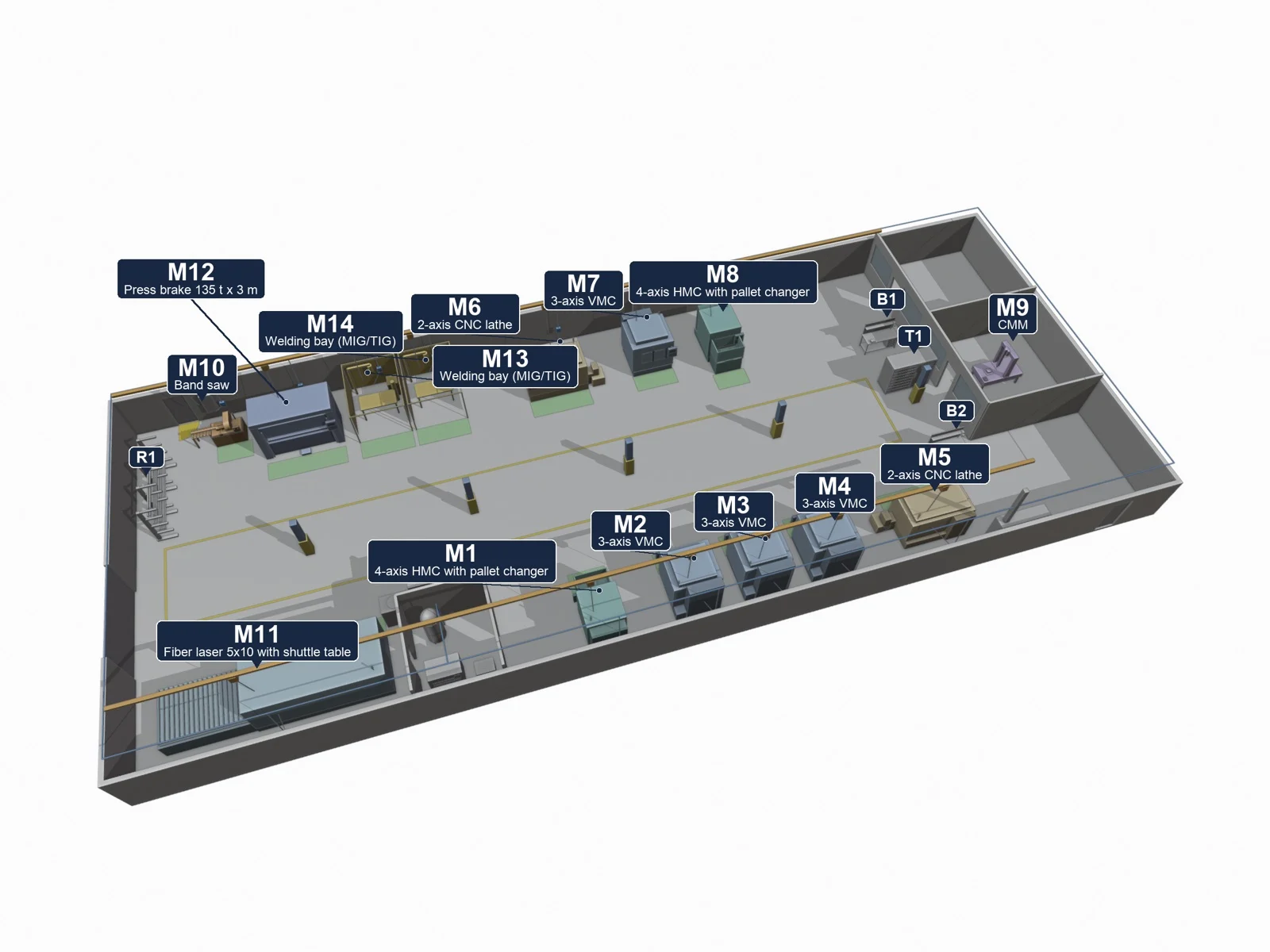
Suggested starting guide
Shop layouts
Plan the shop around the work
Model the movement of parts, people and support equipment before fixing machine positions.
Read the guide02 / At the design desk
Small details.
Real consequences.
Six illustrated field guides connect geometry and drawing decisions to machining, inspection and release.
Suggested starting guideDFM / 01
Make room for the cutting tool
See how corner shape and pocket depth affect access, then identify the details to review before machining.
Open illustrated guide ↗Suggested starting guideDFM / 02Plan the holes and threads in your assembly
Explain the hole depth, usable thread and screw engagement needed for the connection.
Open illustrated guide ↗Suggested starting guideDFM / 03Plan thin walls and their support
Compare wall height, thickness and support so the designer and manufacturer can review the tradeoffs.
Open illustrated guide ↗Suggested starting guideDFM / 04Show which dimensions matter
Identify the sizes and reference features that matter to how the parts fit and work.
Open illustrated guide ↗Suggested starting guideDFM / 05Choose the finish your part needs
Describe appearance, surface texture and coatings, including what must still fit afterward.
Open illustrated guide ↗Suggested starting guideDFM / 06Prepare a clear drawing handoff
Bring the model, drawing and supplier requirements into one clear review.
Open illustrated guide ↗Start with your project
What do you need
to figure out?
Describe what you want to build, what it needs to do and the design help you need. Start with what you know and leave the rest open for discussion.
Need shop calculations or material references?Optional reference tools for a specific technical question.
Tools & reference data
Check the numbers.
Keep the context.
Connect calculations and material information to the design questions in the guides below.
8 working calculators
Manufacturing calculators
Speed and feed, rectangular, round and hex stock mass, fresh coolant batches, length and thread-spacing conversions. Visible units and formulas, using your inputs.
Open calculators →
5 material references
Metals & engineering polymers
Grade, condition and typical density from the existing reference library, with source sheets and the details to confirm before use.
Explore material references →Put the guide to work
A clearer brief.
A better next step.
Bring the questions that matter to your project. ProtoChat can help make the concept, interfaces and assembly visible for review.
Discuss your project