The starting question
Could another person identify the intended part and its requirements without guessing?
For your own project
Which part do you need help with?
Start with what you know. Keep the undecided details open for discussion.
You bring
Your sketch, drawing or existing CAD, including known units.
We can help explore
Clearer geometry and the details still missing from the design.
Discuss next
Which dimensions are trusted, and which need review?
Tell ProtoChat what you need to decide
A fabrication search often starts with a design question: how should these parts connect, what shape fits the space, or what information does a shop need? Describe the decision you need the CAD to support, even if you do not yet know the file format.
Tell us whether you need a new design, a change to an existing model, an assembly explanation, drawings or a render. Bring any supplier request and your current files. Keep missing dimensions and undecided requirements visible; do not turn a search term into a specification.
Separate the concept from the release
A concept model can answer questions about arrangement, motion, appearance and interfaces. A manufacturing handoff adds the material, tolerances, finishes, inspection and approval requirements needed for its intended use.
Agree the deliverable early: native editable model, exchange file, drawing, parts list or visual explanation. State the units and the intended authority of each file.
Review the difficult geometry first
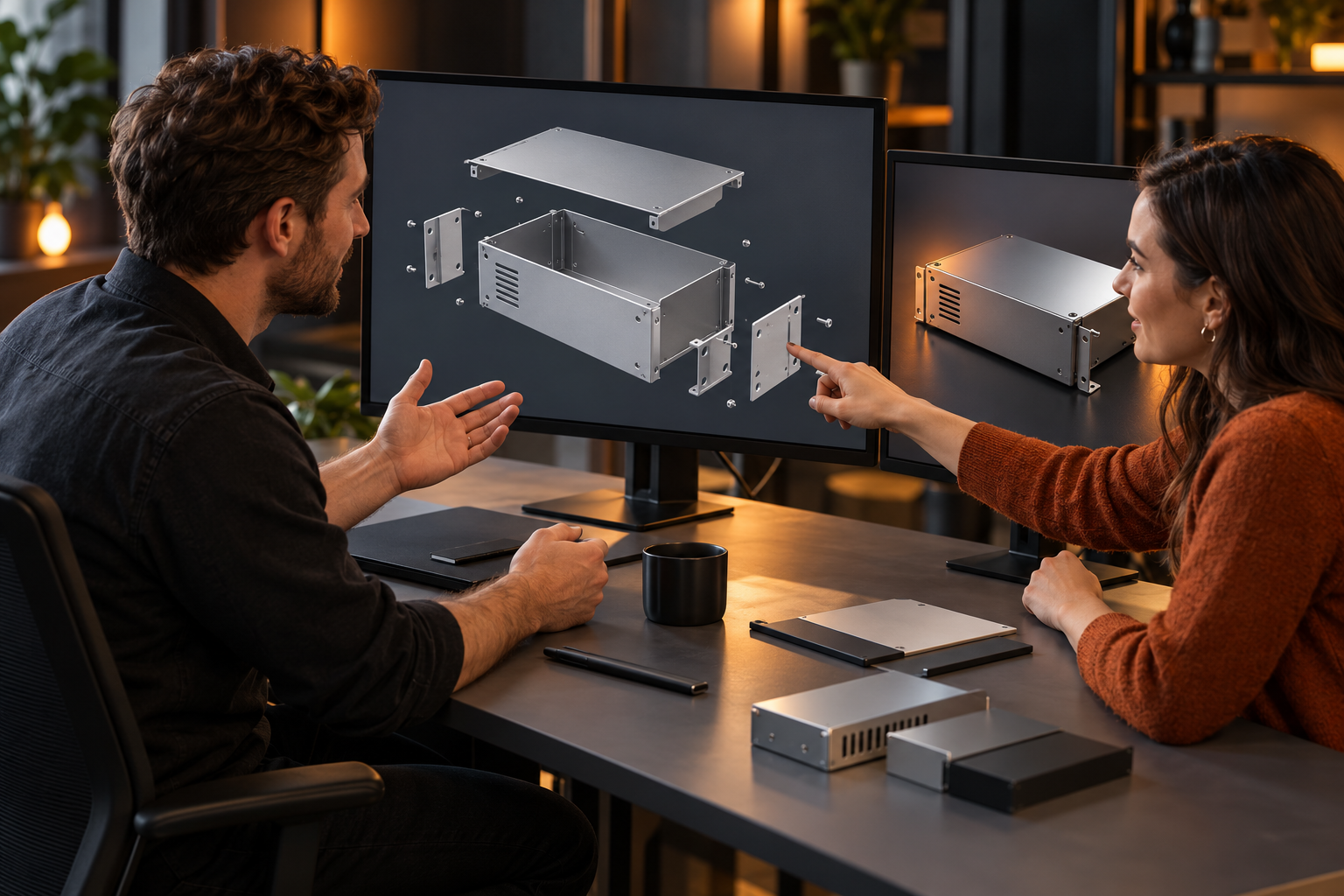
Use sections and exploded views to inspect connections and assembly order. Check pockets for cutter and holder access, thin features for support, and threaded holes for complete usable thread depth.
Choose datum features around the assembly function, then discuss manufacturing and inspection access. Reserve tighter controls for requirements that need them; do not relax a functional tolerance merely to simplify a process.
Close the document loop
Make part identities and the model-to-drawing relationship explicit. Different model and drawing revision codes can be intentional when controlled; matching revision letters alone do not prove that the geometry agrees.
Reopen exported files in an appropriate viewer and check units, orientation, geometry and required sheets. Record the release authority and any approved deviations. Arrange a suitable transfer route before sharing controlled technical data.
Bring this to the review
Your working checklist
Use these prompts to record open questions. Checking a box does not approve a design or manufacturing process. Selections last for this page visit.
References & further reading
References support the named topic; they do not certify a design, setup or product.
Planning guidance and illustrative examples. Confirm project-specific requirements with the responsible design, manufacturing and quality teams.
No paid placement or affiliate links in this guide.